 CrateEdit Pro
Learn
Short, practical guides for getting a crate booth-ready, and the know-how behind them: what to play next, backing up your library, rekordbox, hot cues, tags, loudness and beatgrids. Newest first. Then the video tutorials, each playing right here.
Start here: set up, then every tab. The email with your key and download link, the install, activation and moving a license to another Mac. Then a tour of every tab, and the Undo button.
Transcript
Welcome to CrateEdit Pro. Here’s how to get going. After you buy, your license key and your download link arrive by email. Open the download and drag CrateEdit Pro into your Applications folder. It’s signed and notarized, so your Mac only asks the usual question for an app from the internet. On first launch, paste your license key and click Activate. A license runs on one Mac at a time, and you can move it with Deactivate this device, in Settings.
Now the tour. Prep runs a whole folder through the main jobs in one click, and while the app is open, it can watch your downloads folder for new tracks. Batch Grid checks a whole folder of beatgrids and writes the good ones. The Audio Editor works on one track: its grid, hot cues and cue loops, fades and levels. The Tag Editor cleans up your tags and rates each track’s energy. Loudness has the meter, Normalize and Gain Reset. Harmonic is the Camelot wheel. And Convert, Duplicates and Identify round it out.
Changed your mind? The Undo button, top right, puts the last batch back. That’s CrateEdit Pro: every prep job, in one app.
New in build 6
Pick the next track: build a harmonic set by key, BPM and energy
Harmonic mixing · Oct 30, 2026 · 5 min read
Rank your whole Serato library by key, BPM and energy from the track you’re playing, build a set that flows, or put a whole crate in the order that mixes best, and save it as a crate.
How to back up your Serato library, and get it back
Library · Oct 30, 2026 · 4 min read
What Serato keeps where, how to back up your crates, history and database every day and before every batch, and how to restore a backup.
Serato to rekordbox, and back: cue points, beatgrids and crates
rekordbox · Oct 30, 2026 · 6 min read
Take your hot cues, loops, beatgrids, keys and crates from Serato to rekordbox, keep them in step as you prep, and bring rekordbox playlists back. Or put your crates straight onto a USB stick for the players.
Name and color your hot cues automatically
Hot cues · Oct 30, 2026 · 4 min read
Put hot cues on the phrase starts of a whole crate, on the 1 of the bar, named and colored the same way on every track.
Clean up messy tags: capitals, feat. credits and genres
Tags · Oct 30, 2026 · 4 min read
Fix ALL CAPS titles, scattered feat. credits, five spellings of one genre, and the underscores, track numbers and site names in names, across a whole crate, with a preview of every change.
Turn your downloads folder into a DJ inbox
Workflow · Oct 30, 2026 · 4 min read
Every new download checked against your Serato library, gridded, keyed and cued, and dropped into one crate, while the app is open.
Prep and know-how
How to prep a Serato crate
Workflow · Oct 28, 2026 · 3 min read
The full pass, start to finish: loudness, grids, tags, key, and cues, in the order that saves the most time.
Set one loudness across your whole library
Loudness · Oct 4, 2026 · 3 min read
Why LUFS beats peak normalization, and how to pick a target that survives outside Serato.
Fix drifting beatgrids in batch
Beatgrids · Oct 28, 2026 · 2 min read
Find the grids that need a look, and skip the ones that are already fine.
Harmonic mixing with the Camelot wheel
Harmonic mixing · Oct 28, 2026 · 3 min read
Detect key, write it to the TKEY tag, and read the wheel so your transitions stay in key.
Video tutorials
34 short films on the app’s tools, by topic. Each plays right here, from YouTube, once you press it. New ones are added as they come out.
Prep and beatgrids
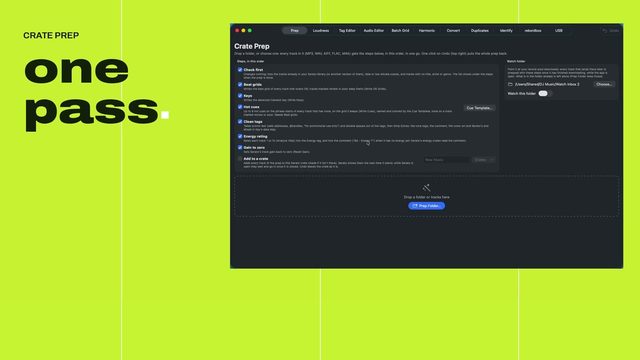
Crate Prep: Get New Downloads Serato-Ready in One Pass. Every new download gets its beat grid, key, hot cues, clean tags, energy and gain reset in one pass. Check first flags what you already own, and one click on Undo puts it all back.
Fix Serato DJ Pro 5 Beatgrids in Bulk. A folder scanned and sorted worst first, the good grids written, then keys and named hot cues, and the way back with Undo.
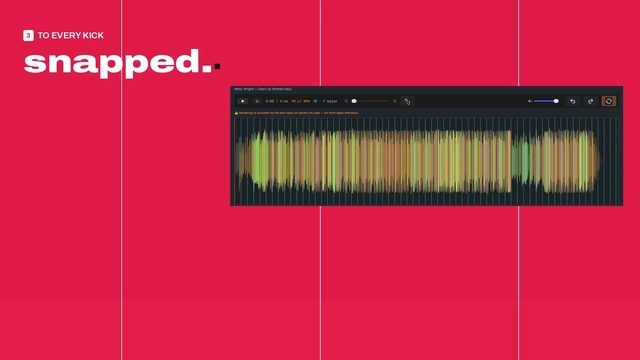
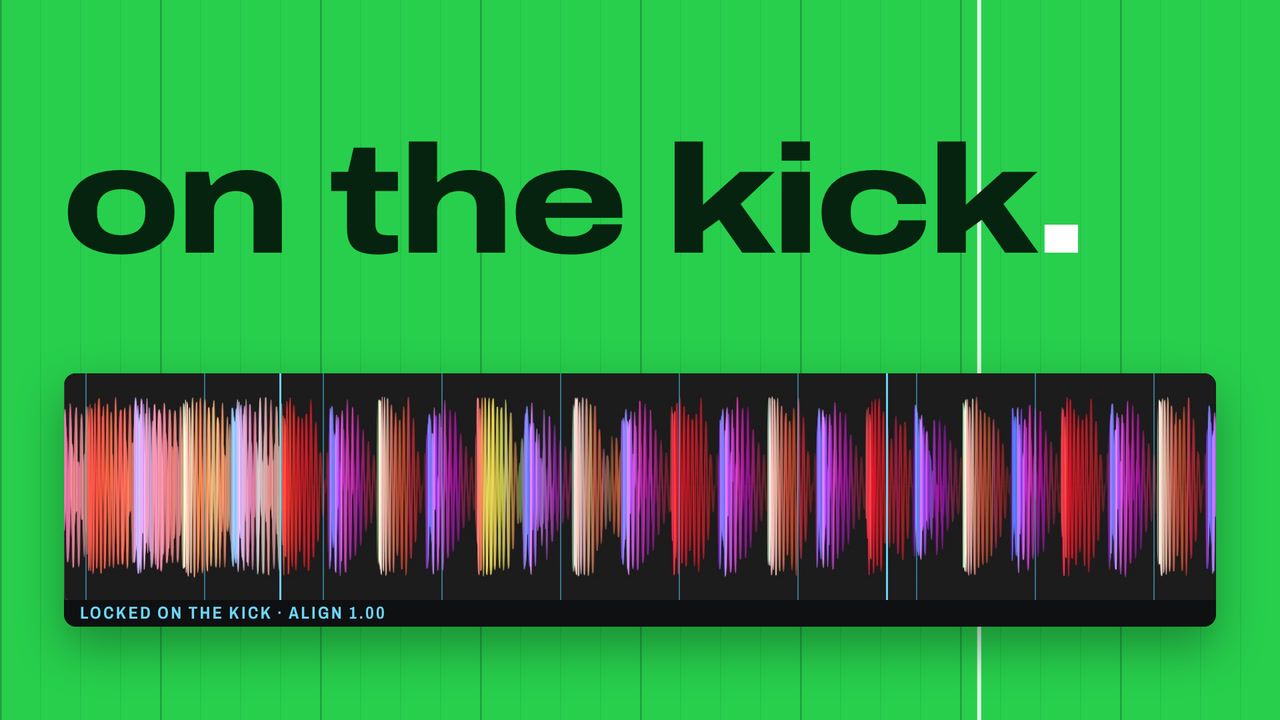
Fix a Drifting Beat Grid on Live Drums. Kick-Lock separates the drums and snaps the grid to every kick, so a live-drum track that drifts stays on the grid. Needs macOS 14 or later.
Record Pool Downloads That Prep Themselves. Point the app at your record pool folder and turn on Watch this folder: each new download gets its grid, key, hot cues, clean tags and energy once it has finished downloading.

Gig Tonight? New Downloads to the Dancefloor in One App (Serato). Crate Prep gives a folder of new downloads its beat grids, keys, hot cues, clean tags and energy in one pass, Set Builder puts the crate in the order that mixes best, and the USB tab puts it on a stick for the club’s CDJs.

8 DJ Prep Apps or One? $79 Once, No Subscription (Serato). Eight apps to prep one crate? Bought one by one, the same jobs cost over $900 the first year. CrateEdit Pro does every one of them for $79, once: Crate Prep gives every track its grid, key, hot cues, energy and clean tags in one pass, Set Builder puts the crate in order, and the USB tab puts it on a stick for the club.
Keys, energy and sets
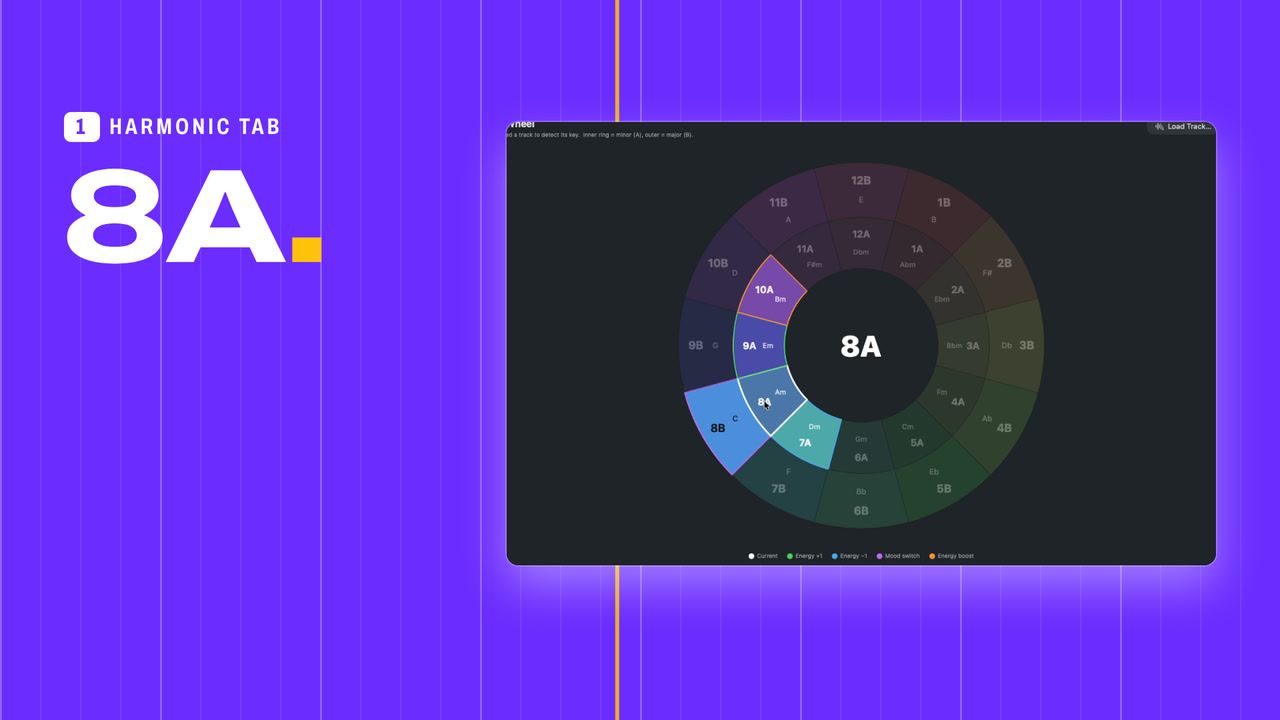
Mix in Key: Camelot Wheel for Serato 5. Tap a key or load a track to see what mixes, then write Camelot keys for a whole folder or for one track.
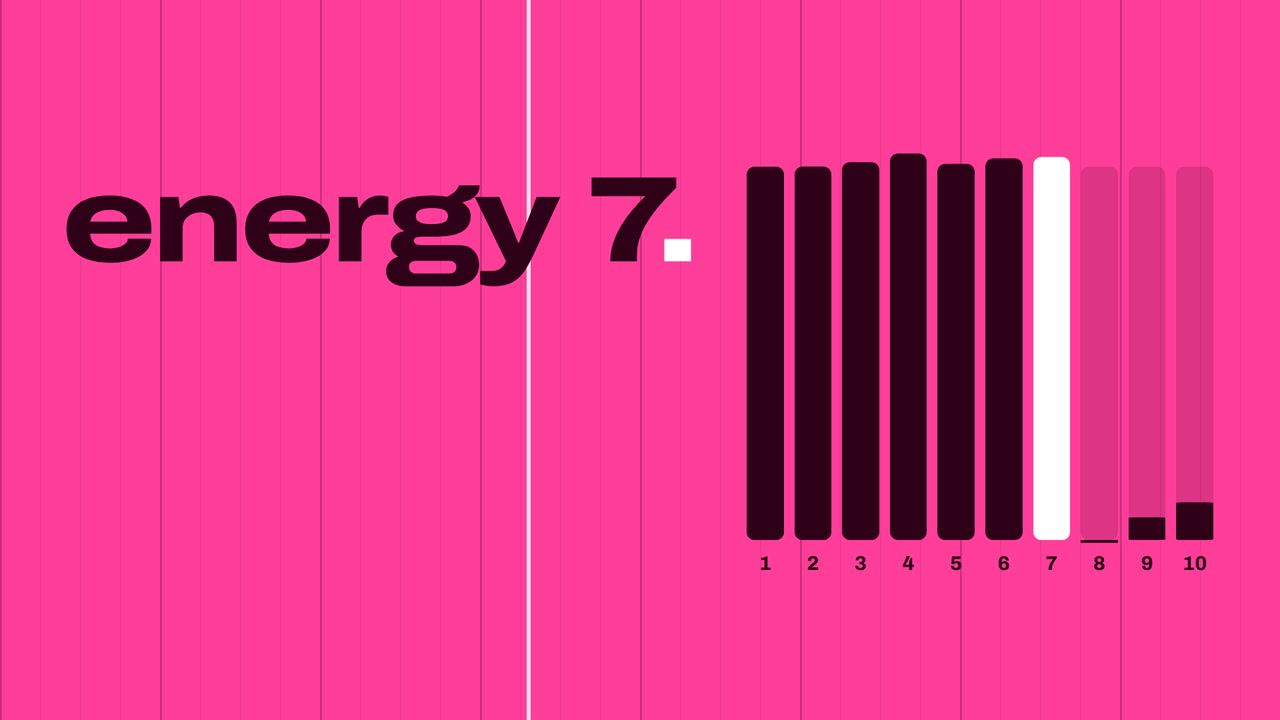
Rate Every Track 1 to 10 for Serato DJ Pro. Analyze Vibe rates every track from its audio, Save All writes the rating, and a Smart Crate builds a set by energy.
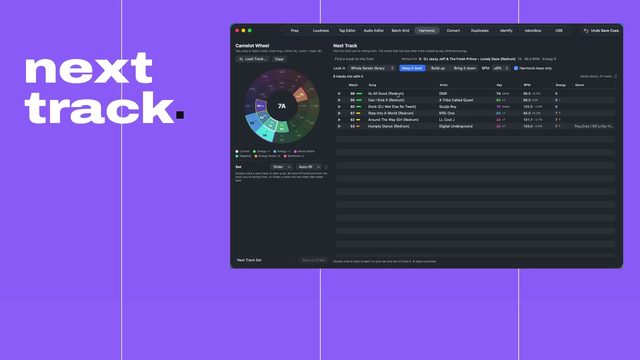
What to Play Next: Harmonic Mixing for Serato. Next Track ranks the tracks in your Serato library that mix best after the one playing, by key, BPM and energy, and builds a set you can save as a crate.
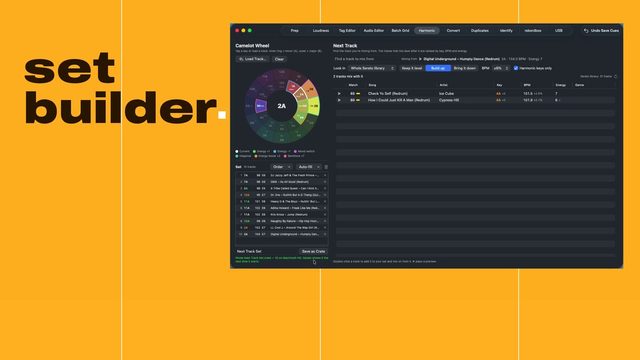
Put a Serato Crate in the Best Mixing Order. Set Builder puts a set or a whole crate in the order that mixes best: keys round the Camelot wheel, tempos close, and the energy in the shape you pick.
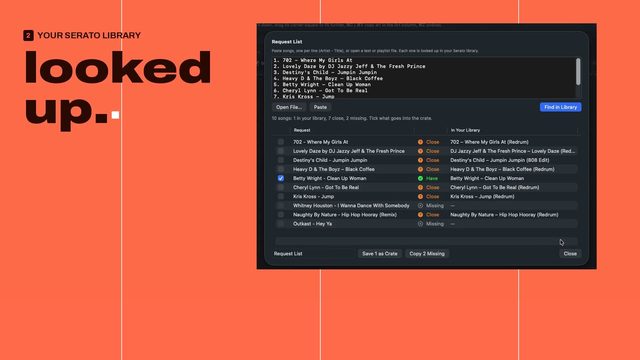
Check a Request List Against Your Serato Library. Paste a wedding or event request list and see which songs you have, which are close and which are missing, then save the ones you have as a crate.
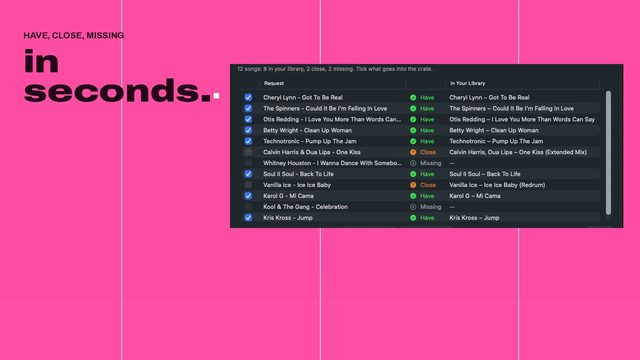
Turn a Client’s Must-Play List into a Serato Crate in Seconds. Paste the client’s list and every song comes back as in your library, close or missing. Save the ones you have as a crate in their order, and copy the missing ones.
Hot cues
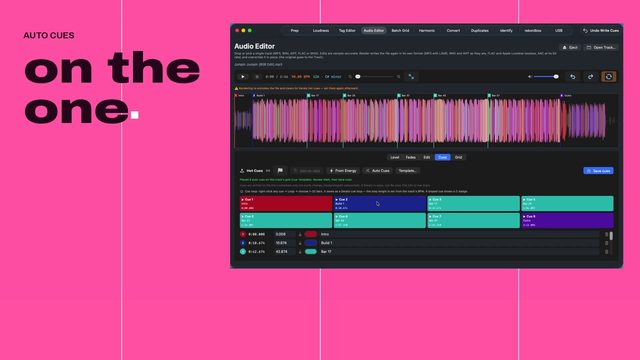
Auto Hot Cues for Serato: Named and Colored. Eight hot cues on every track, on the one of each phrase, named and colored by your Cue Template, for a whole crate or one track.
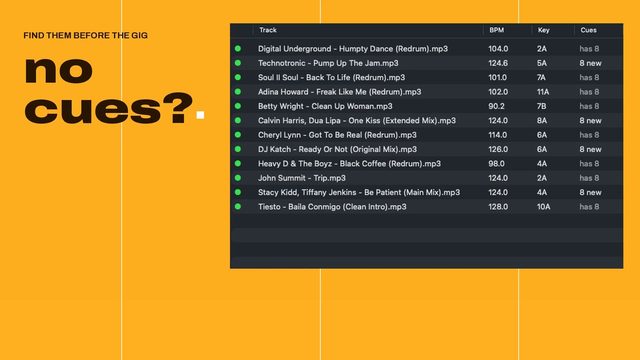
Find Tracks With No Hot Cues and Put Them in One Serato Crate. Batch Grid counts the hot cues and loops already in every track. Crate Uncued saves the ones with none as one Serato crate, or Write Cues places them on the phrases.
Loudness and gain
Serato Gain Reset for MP3s in One Pass. The gain Serato stored set back to zero with Serato closed, then Re-scan File Info. Filmed when Gain Reset took MP3s only; it now takes WAV, AIFF, FLAC and M4A too.
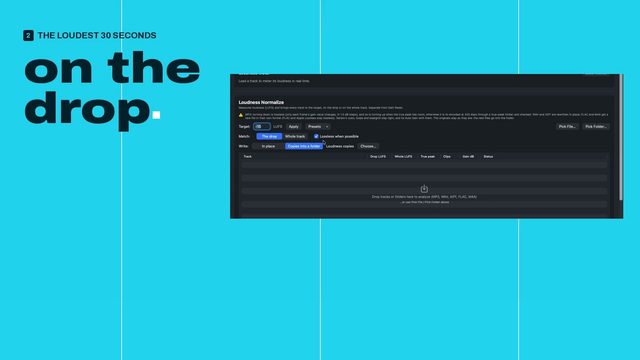
One Loudness for Your Whole Crate, Matched on the Drop. Pick one LUFS target for the whole crate, matched on the drop, and normalize it, with Serato’s cues, loops and grids kept right.
Tags and files
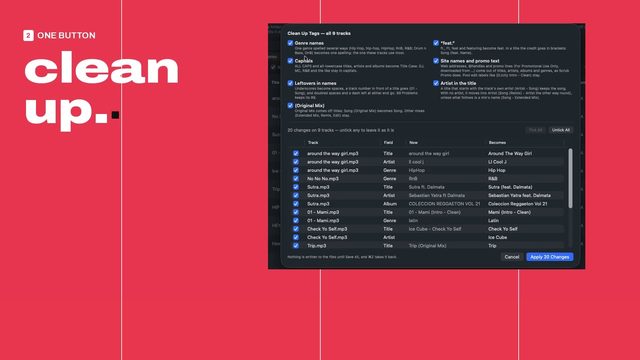
Clean Up Messy DJ Tags in One Pass. Clean Up Tags fixes capitals, feat. credits and genre spellings, and Tidy Names takes promo text and leftovers out of names.
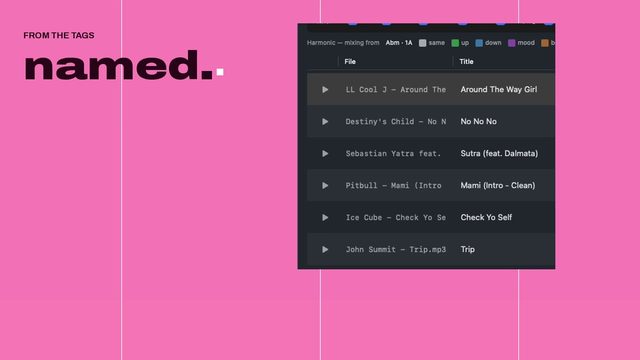
Edit DJ Tags Like a Spreadsheet, Rename Files. The Tag Editor shows every file as a row you edit like a spreadsheet. Save All writes the tags, and Rename Files names every file from its tags.
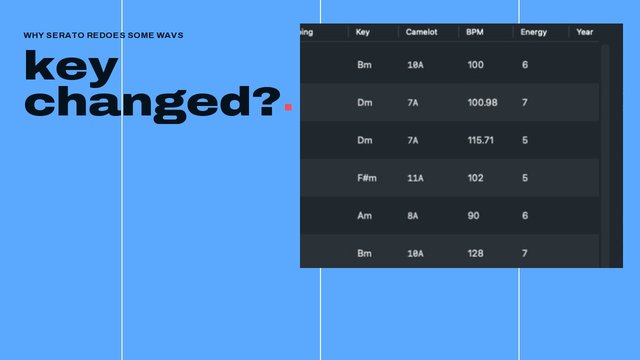
Serato DJ Pro Tutorial: Why Your WAV Files Lose Their Key and Beatgrid. Serato analyzed 3 of 40 prepped WAVs again, all with an old INFO tag in front of the sound. Take the AIFF, or let CrateEdit Pro write the tags: 8 of 8 then kept their key, grid, cues and lock.
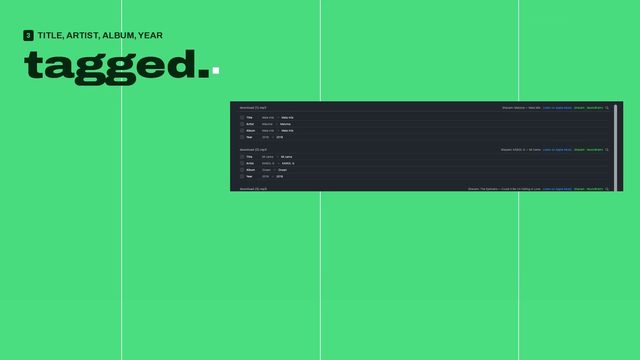
Identify Untagged Tracks by Sound (Shazam). Identify recognizes untagged tracks by sound with Shazam and fills in title, artist, album and year. You confirm anything that isn’t a strong match.
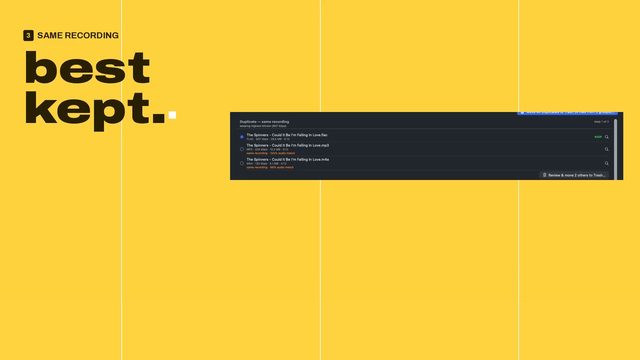
Find Duplicate Tracks by Sound, Not Filename. Duplicates finds the same song across MP3, FLAC, M4A and WAV by sound, keeps the best copy, leaves different edits alone, and moves the extras to the Trash. Undo puts them back.
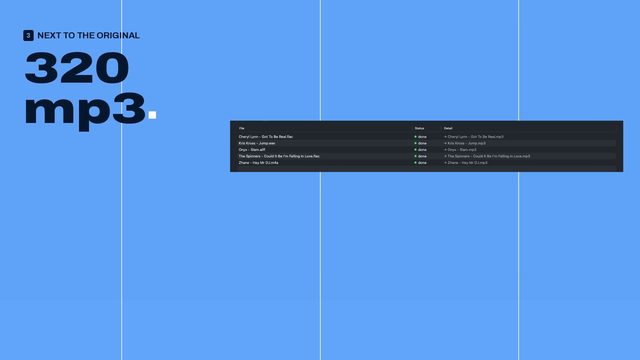
Convert WAV, AIFF, FLAC and M4A to 320 MP3. Convert turns WAV, AIFF, FLAC, M4A, ALAC and CAF into 320 kbps MP3s next to the originals, which stay as they are.
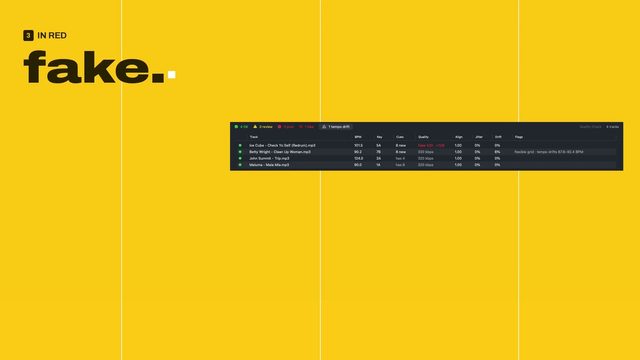
Is That 320 Real? Spot Fake 320 MP3s. Tick Quality in Batch Grid and every track is checked: a real 320 reads 320 kbps, and a fake shows in red with the bitrate it really has.
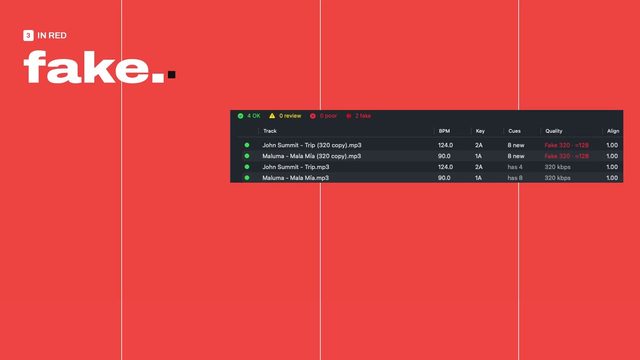
Fake 320s That Slip Past the Usual Check (and How to Catch Them). Some fakes go through a WAV on the way to 320, and the clipping hides the usual sign. The Quality check sees past it and marks them in red with the bitrate they really have.
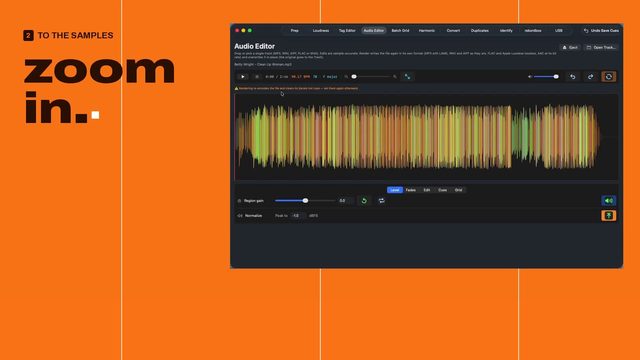
Trim, Fade and Fix a Track Before Your Set. The Audio Editor shows the whole track as a colored waveform with BPM and key, and does gain, normalize, fades, delete and crop, plus hot cues and the beat grid for Serato.
Crates, backups and USB
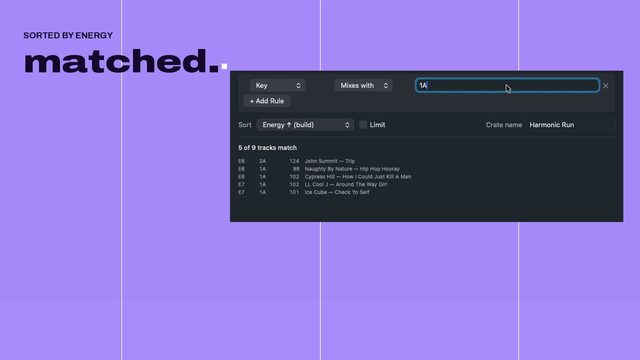
Serato Smart Crates That Fill Themselves. Pick a preset like Harmonic Run, set the rules, see the matches right away and save. With Live Update on, Serato keeps the crate up to date.
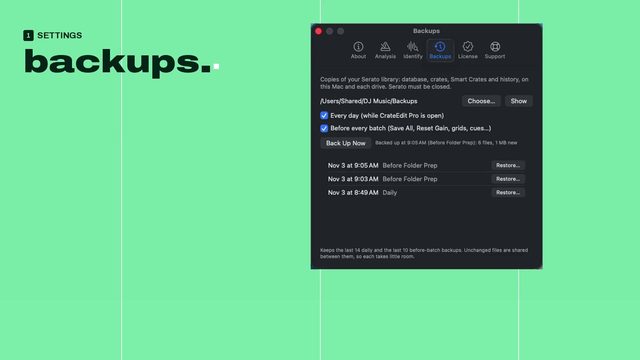
Back Up Your Serato Library Every Day. Your Serato library, crates and history backed up every day and before every batch that writes to your files, and restored in one click.
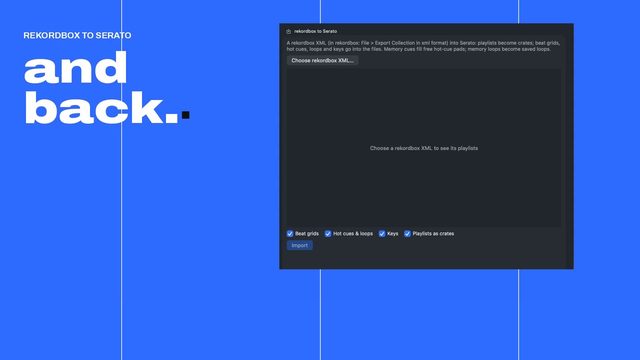
Serato to rekordbox: Cues, Grids and Crates. Take your Serato hot cues, loops, grids, keys and crates to rekordbox through its XML file, and bring rekordbox playlists back as Serato crates.
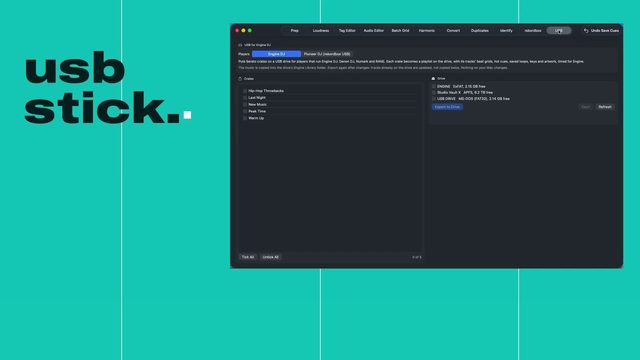
Serato Crates to a USB Stick for CDJs and Engine DJ. Your Serato crates on a USB stick for Pioneer DJ players or Engine DJ gear, with grids, hot cues, loops, keys and artwork, and no other software.
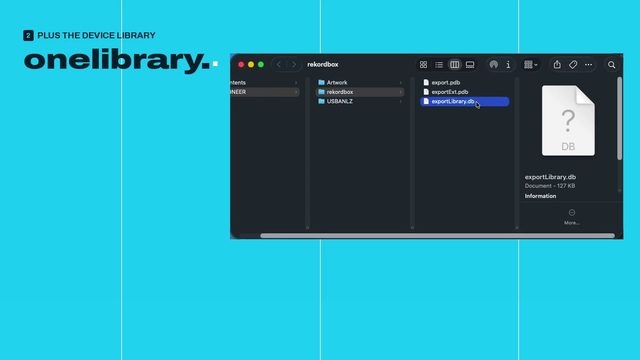
Serato Crates to a OneLibrary USB Stick, No rekordbox Needed. The USB tab writes both of rekordbox’s libraries, the Device Library and OneLibrary, so one stick is made for both, with grids, hot cues, waveforms and artwork.
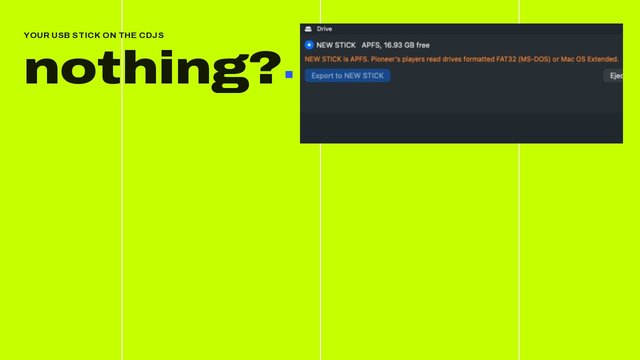
How to Format a USB for CDJs (and Why Your Stick Shows Nothing). A Mac formats a new stick as APFS, and the players can’t read it; FAT32 opens on the most players. The USB tab flags a format the players can’t read, and its export writes both libraries: OneLibrary for the CDJ-3000X and the Device Library for older players.

New Year’s Eve DJ Prep: 3 Must-Dos Before the Big Night (Serato). Three things before the one gig you can’t do over: back up your Serato library, find the tracks with no cues with Crate Uncued, and put your crates on a USB stick the club’s CDJs can read.
Prep Once: Serato, rekordbox, CDJs and Engine DJ (RANE, Denon). Prep your crates once: Serato DJ Pro gets the grids, hot cues and keys, rekordbox gets the same through its XML and back, and the USB tab writes sticks for Pioneer DJ players and Engine DJ gear (RANE, Denon DJ, Numark).