 CrateEdit Pro
OneLibrary explained: what it is, who reads it, and where Serato stands
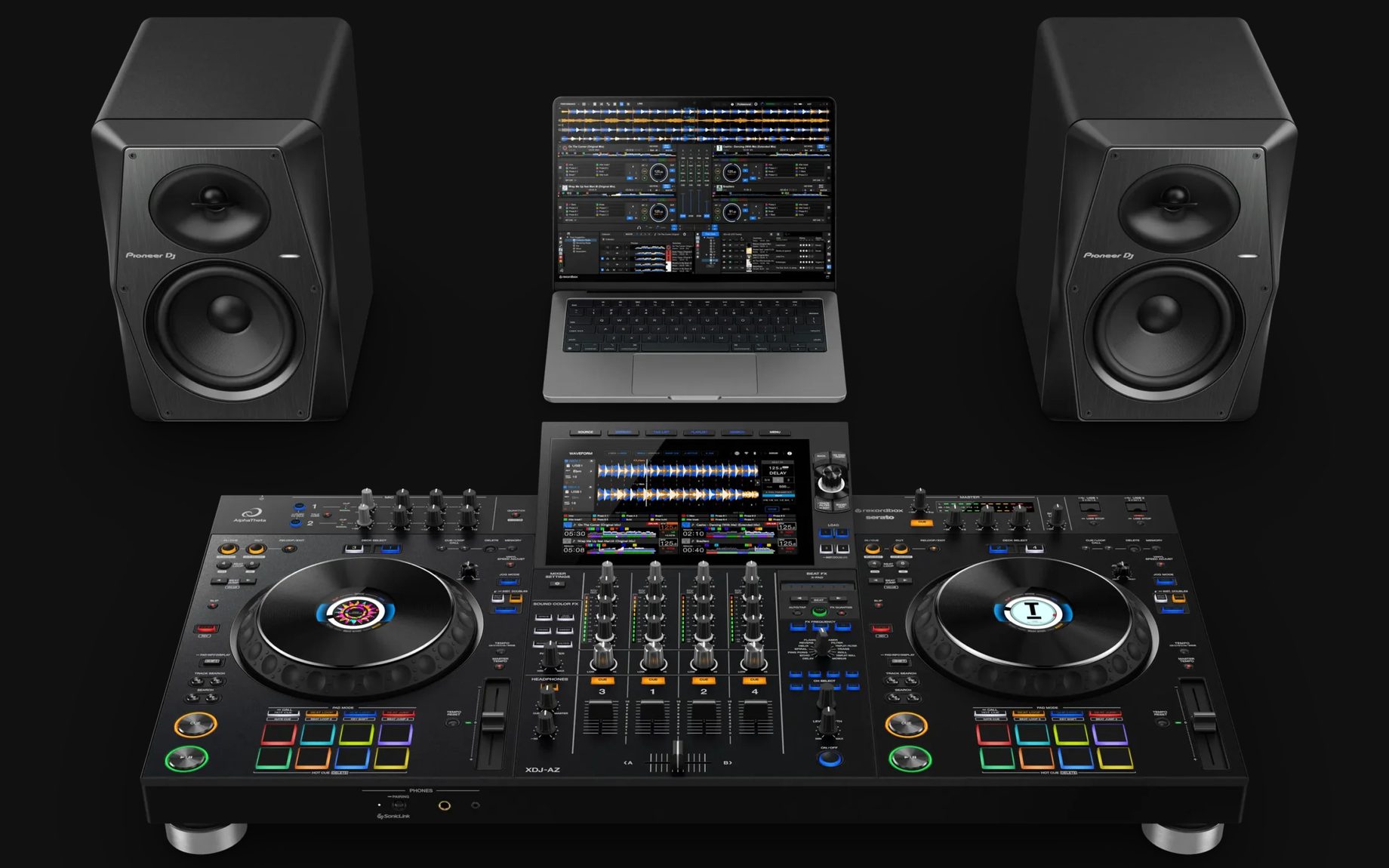
The XDJ-AZ, one of the players that reads OneLibrary.
Image: AlphaTheta
Since October 2025 a USB stick made in djay Pro plays on a CDJ-3000X, and VirtualDJ joined in September 2026. The format behind it is OneLibrary. Here’s what it is, which apps and players use it, what it carries, and what a Serato DJ can do while Serato stays out.
What OneLibrary is
OneLibrary is a library format for USB sticks, set by AlphaTheta, the company behind Pioneer DJ. An app exports your tracks and playlists to a stick in OneLibrary format, and any player or app that reads OneLibrary can use the stick. AlphaTheta launched it in October 2025 with Algoriddim, the maker of djay Pro, and Native Instruments, the maker of Traktor.
It isn’t brand new: AlphaTheta says it’s basically rekordbox’s Device Library Plus under a new name. And it isn’t one shared library. Each app still keeps its own, and the stick is the go-between.
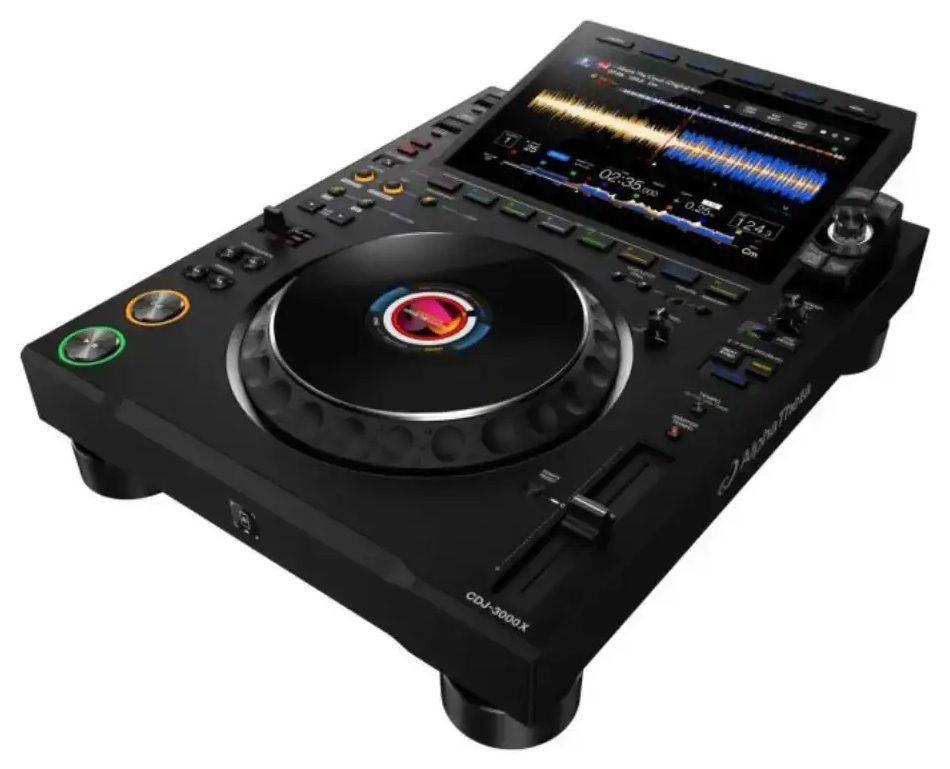
The CDJ-3000X reads OneLibrary, and shows what an app like djay Pro or VirtualDJ put on the stick.
Image: AlphaTheta
Which apps write it
rekordbox and djay Pro have written OneLibrary sticks since the launch. VirtualDJ added it in September 2026, and Lexicon, a library manager that syncs between DJ apps, can push a library to a Pioneer USB in OneLibrary format.
| App | Writes OneLibrary |
|---|---|
| rekordbox 7 | Yes; with the Device Library from 7.2.11 |
| djay Pro | Yes, since October 2025 |
| VirtualDJ | Yes, since September 2026 |
| Lexicon | Yes |
| Traktor Pro 4, Traktor Play | Announced, not out yet |
| Serato DJ | No |
| Engine DJ | No |
Who writes OneLibrary, as of November 2026. From AlphaTheta’s OneLibrary page, Digital DJ Tips and Lexicon.
Traktor Pro 4 and Traktor Play were partners from day one, but AlphaTheta’s page still lists them as coming in the next few months. Serato and Engine DJ aren’t part of it.
Which players read it
A Pioneer DJ stick can carry two libraries: OneLibrary for the newest players, and the older Device Library for the players before them. rekordbox 7.2.11 and later writes both at once.
| Player | Library it reads |
|---|---|
| CDJ-3000X | OneLibrary |
| CDJ-1500X | OneLibrary |
| XDJ-AZ | OneLibrary |
| XDJ-AN | OneLibrary |
| OPUS-QUAD | OneLibrary |
| OMNIS-DUO | OneLibrary |
| CDJ-3000 | Device Library |
| CDJ-2000NXS2 and older | Device Library |
| CDJ-900NXS2 | Device Library |
| XDJ-1000MK2 | Device Library |
| XDJ-700 | Device Library |
| XDJ-XZ | Device Library |
| XDJ-RX3 | Device Library |
| XDJ-RR | Device Library |
Which library each player reads. From AlphaTheta’s notice of March 18, 2026, and for the CDJ-1500X and the XDJ-AN, Digital DJ Tips’ report of September 2026. The CDJ-3000’s firmware 3.30 read OneLibrary first; the notice lists 3.22, which reads the Device Library, as the current version.
In March 2026 AlphaTheta warned that playlists in the Device Library format show up on a CDJ-3000 but may not appear on a CDJ-3000X. A stick with only the old library is the one that comes up empty on new players. There’s more on formats and sticks in our USB stick article.
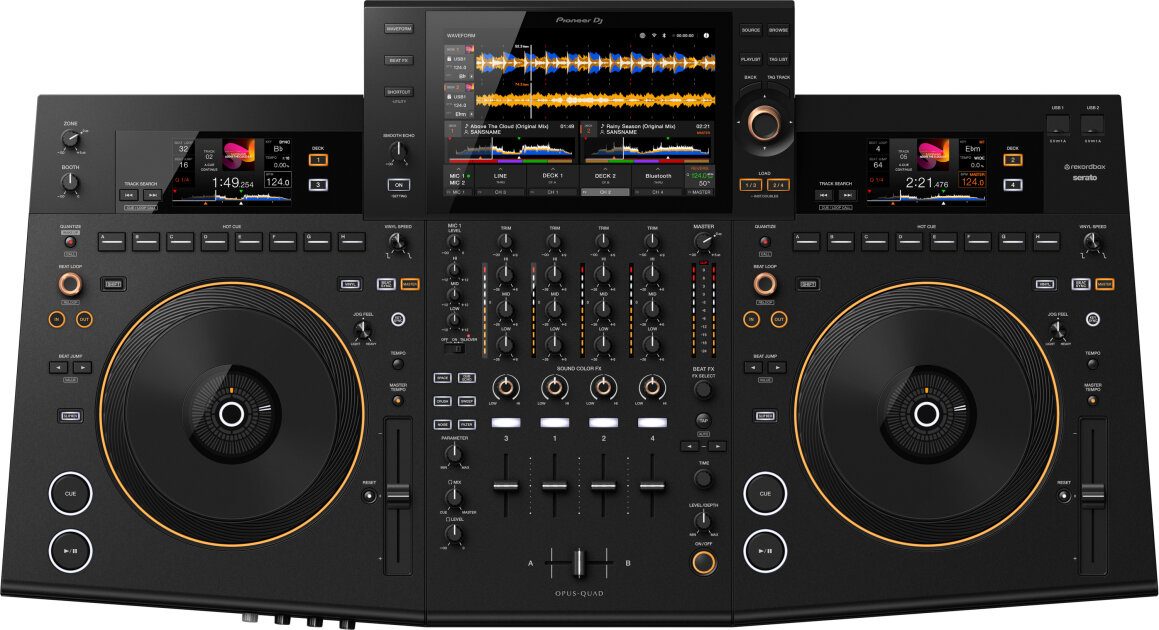
The OPUS-QUAD, another all-in-one that reads OneLibrary.
Image: AlphaTheta
What it carries
Playlists, BPM, key, cue points, beatgrids and waveforms, with the music files themselves. AlphaTheta’s FAQ adds that what’s exported can vary by app, and that full compatibility between apps isn’t guaranteed.
- It’s an export, not a sync. Importing a stick into an app that already has the same tracks can give you duplicates.
- Check the first stick from a new app. MP3 decoders differ by a few milliseconds, so a cue can land a little early or late when it moves from one app to another. Digital DJ Tips puts it at up to about 30 milliseconds.
- Older players still need the old library. An XDJ-XZ or a CDJ-2000NXS2 doesn’t read OneLibrary, so the stick needs the Device Library too.
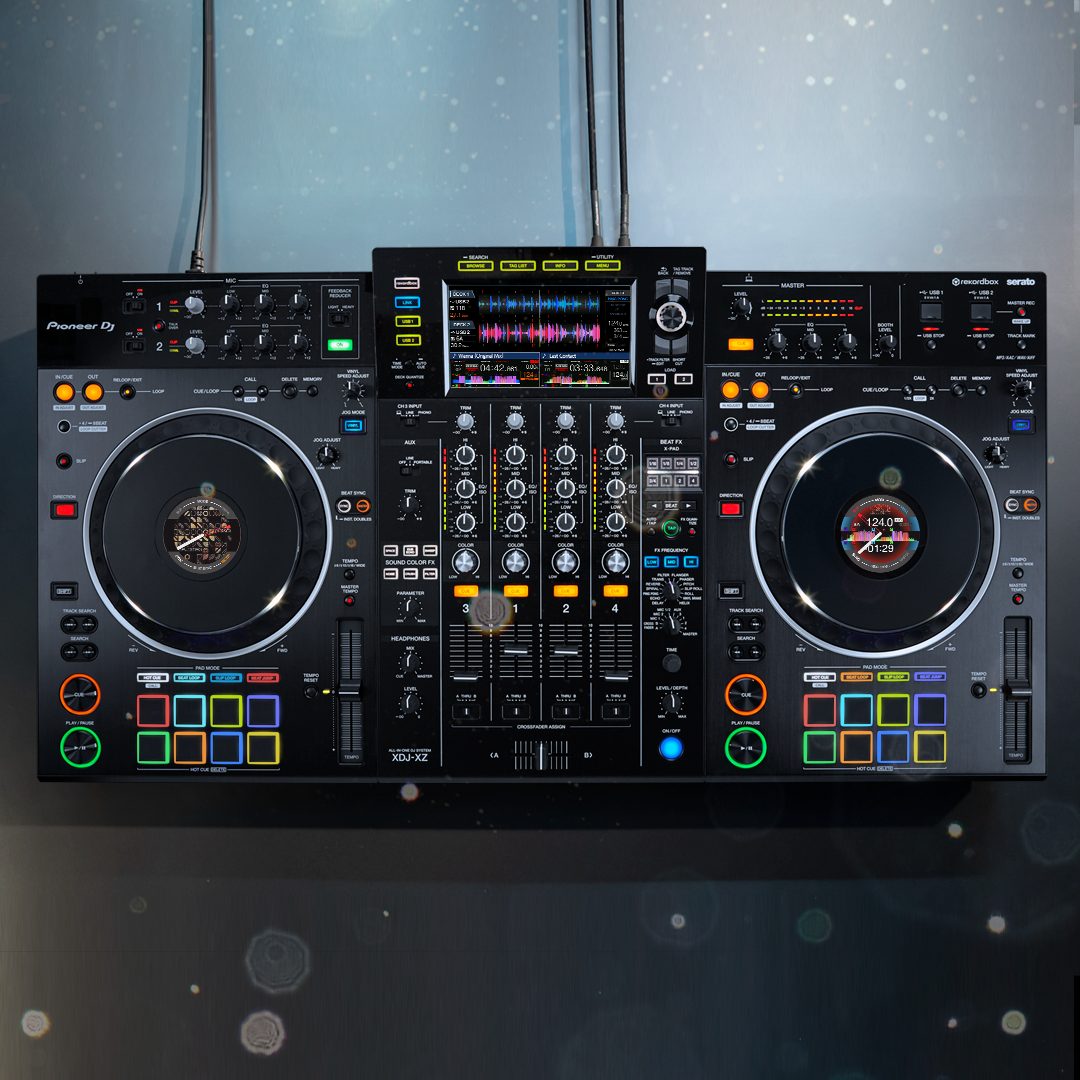
The XDJ-XZ reads the older Device Library, not OneLibrary.
Image: AlphaTheta
Where that leaves a Serato DJ
Serato DJ doesn’t write OneLibrary. AlphaTheta agreed to buy Serato in July 2023, but the deal was abandoned in July 2024 after New Zealand’s Commerce Commission declined to clear it, so Serato is still independent. As of September 2026 it’s outside OneLibrary, and so is Engine DJ.
So a Serato DJ who plays the newest Pioneer players has three ways to a OneLibrary stick today:
- Through rekordbox. Bring the crates into rekordbox with their grids and cues, then export the stick from rekordbox 7. Its USB export is in the free plan, and from 7.2.11 it writes OneLibrary and the Device Library together.
- With a library manager. Lexicon syncs a Serato library and can push it to a Pioneer USB drive in OneLibrary format.
- With CrateEdit Pro. Its USB tab writes the stick straight from your Serato crates, with OneLibrary and the Device Library. No rekordbox needed.
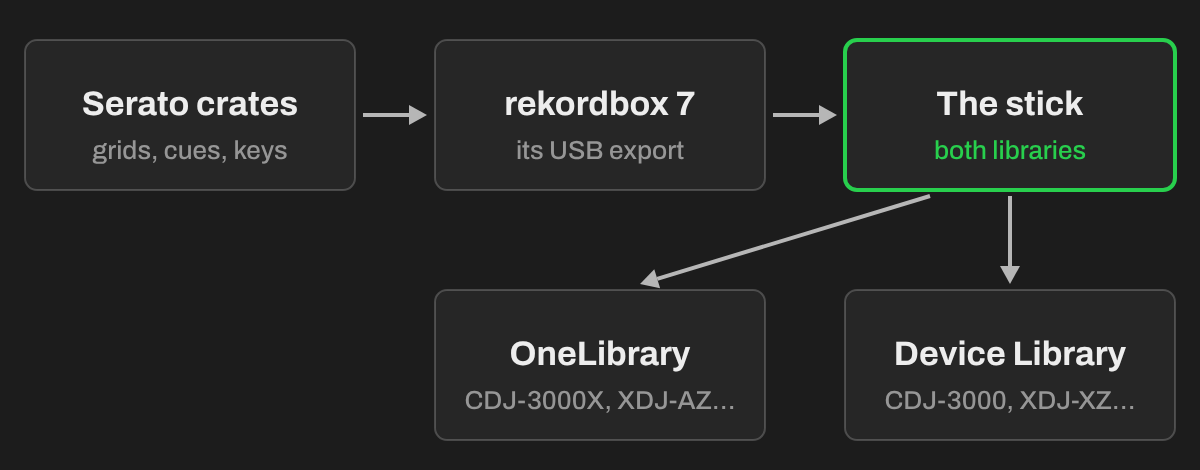
From Serato to a stick both kinds of player read, through rekordbox. A drawing made for this page.
For the players before the newest, a stick with just the Device Library is enough, and rekordbox doesn’t have to be involved at all.
If you prep with CrateEdit Pro
CrateEdit Pro’s rekordbox tab sends Serato crates to rekordbox with their beatgrids, hot cues, loops and keys: the first route above, step by step in our Serato to rekordbox guide. Its USB tab writes a stick for Pioneer DJ players itself, with both libraries and each track’s analysis files: OneLibrary, made the way rekordbox 7 makes it, for a CDJ-3000X, an XDJ-AZ or an OPUS-QUAD, and the Device Library for the players before them.
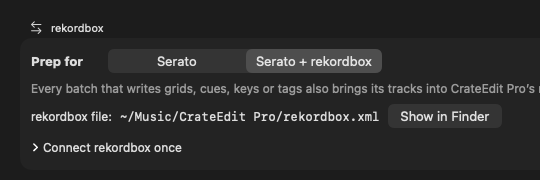
In CrateEdit Pro. The rekordbox tab: every batch that writes grids, cues or keys also brings its tracks into the rekordbox file.
Sources
- OneLibrary, AlphaTheta: compatibility and FAQ.
- DJ brands unite to launch OneLibrary, rekordbox, October 2025.
- Important notice for customers using USB devices with our DJ equipment, AlphaTheta, March 18, 2026.
- VirtualDJ now officially supports AlphaTheta’s OneLibrary, Digital DJ Tips, September 22, 2026.
- AlphaTheta’s OneLibrary: 5 things you really need to know, Digital DJ Tips, updated April 2026.
- DJ tech, September 2026, Lexicon.
- DJ software deal abandoned, UK Competition and Markets Authority, July 22, 2024.
- The rekordbox Free plan, rekordbox: Export mode for USB drives.