 CrateEdit Pro
Phrasing 101: why your transitions sound off
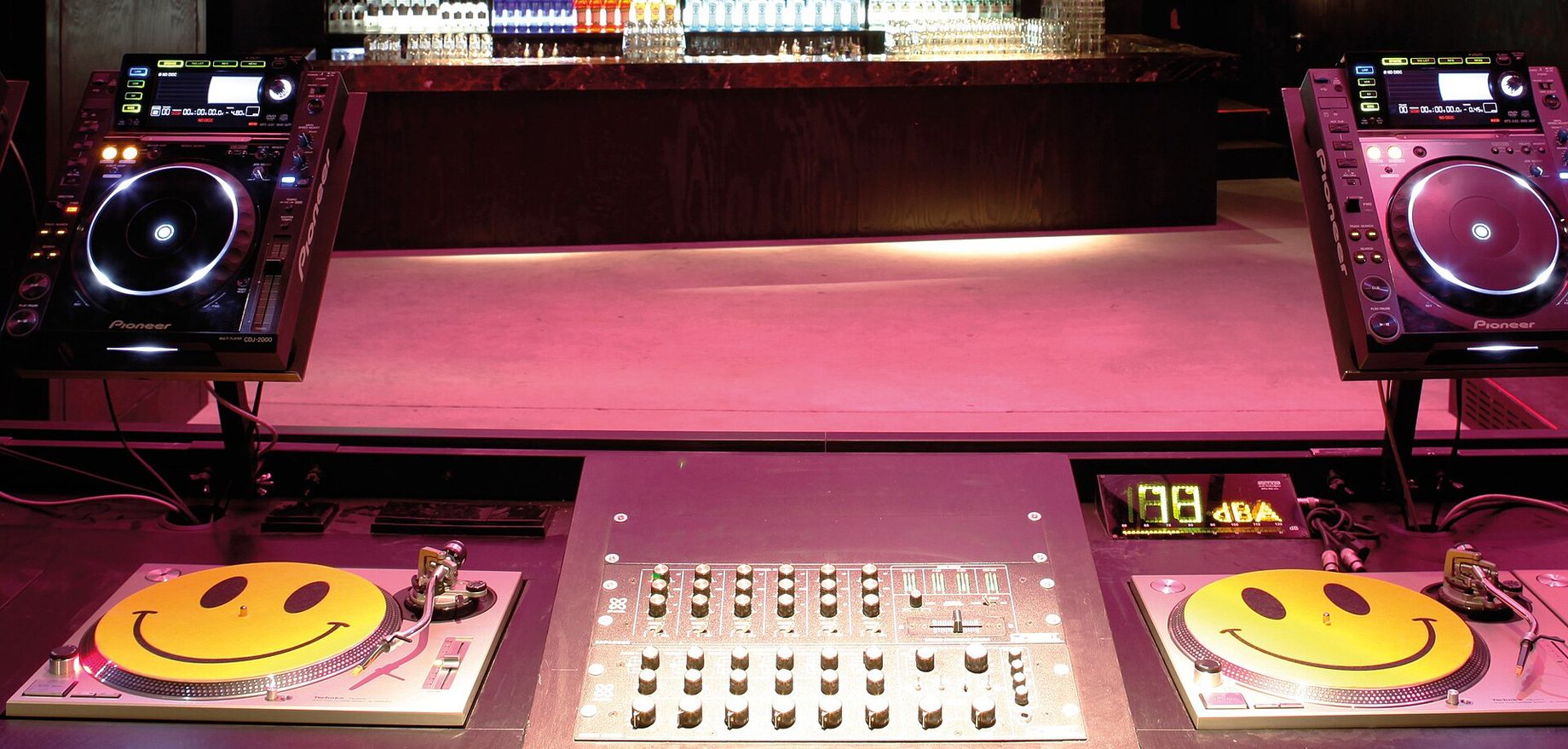
A club booth. Two decks in time is the start; two decks in phrase is the mix.
Photo: Arnold Jaeger Werner, CC BY 2.0, via Wikimedia Commons

The beats are matched, nothing clashes, and the transition still sounds off. Most of the time the two tracks are out of phrase: one is changing while the other is halfway through a section. Here’s what bars and phrases are, how to count them, and how to line two tracks up so their changes land together.
Beats, bars and phrases
Nearly everything a club DJ plays is in 4/4: four beats to a bar. Bars group into phrases, and most guides count a phrase as 8 bars, 32 beats. Some count 4 or 16 bars instead. What matters is the habit behind the numbers: DJ TechTools puts it as most Western music being built from phrases of 16 and 32 counts.
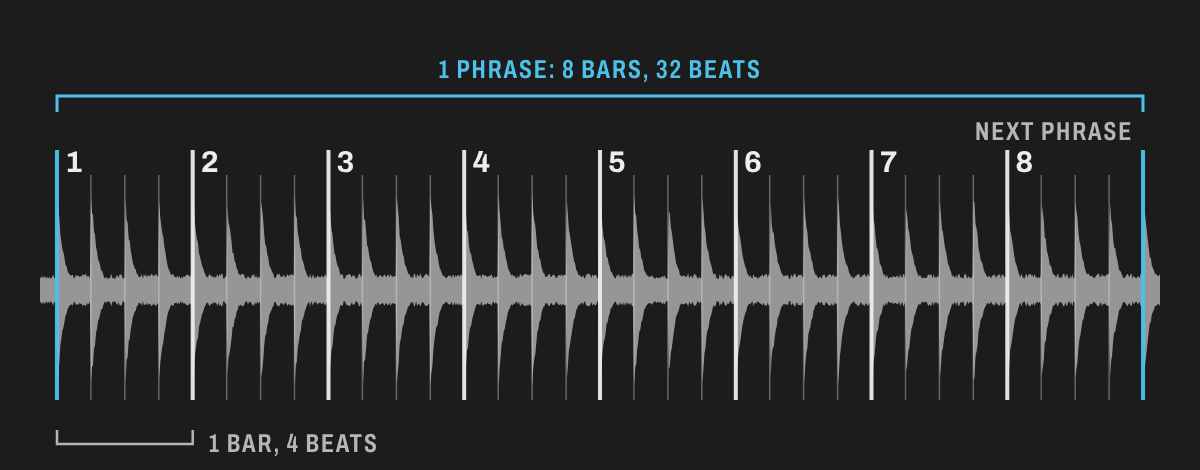
Four beats make a bar, eight bars a phrase. The next phrase starts on the blue line at the right. A drawing made for this page.
So the track changes on a phrase line. A new drum pattern, the vocal coming in, the bass dropping out, the drop itself: they land on the first beat of a phrase, the “one”. In between, the track mostly repeats.
How to hear it
- Count bars, not beats. Count “one, two, three, four” for the first bar, then “two, two, three, four”, up to “eight, two, three, four”. The next “one” is a new phrase.
- Listen for the warning. Producers mark the end of a phrase with a drum fill, a riser, a snare roll or a crash. The change comes right after it.
- Look at the waveform. Breakdowns are thin, drops are dense, and the edges between them sit on phrase lines. Count from one edge to the next to check.
How tracks are built
Sections come in whole phrases, so their lengths are multiples of 4 or 8 bars. These are the usual lengths, not rules: plenty of tracks add a bar or two, and a club edit may stretch the intro.
| Section | Usual length |
|---|---|
| Intro | 16 bars |
| Verse | 16 bars |
| Build-up | 4 to 8 bars |
| Chorus or drop | 16 bars |
| Breakdown | 8 to 16 bars |
| Outro | 16 bars |
| Rap verse | 16 bars |
| Rap hook | 8 bars |
Common section lengths. The first six from DJ.Studio’s average arrangement, the last two from eMastered. Real tracks vary.
rekordbox can mark sections for you with its phrase analysis, which names them Intro, Up, Down, Chorus, Bridge, Verse and Outro. In any app, a hot cue on the first beat of each section does the same job and goes with you to every deck.
Mixing in phrase
The rule is short: start the incoming track on the “one” of its phrase, at the “one” of a phrase in the track that’s playing. Then both tracks change at the same moments for as long as they play together.
- Cue the incoming track on its first phrase line, usually the first beat of the intro.
- Pick the phrase to start on in the playing track. The start of its outro is the classic choice.
- Beatmatch and let it run. If the intro and the outro are the same length, the new track’s drop lands as the old one ends.
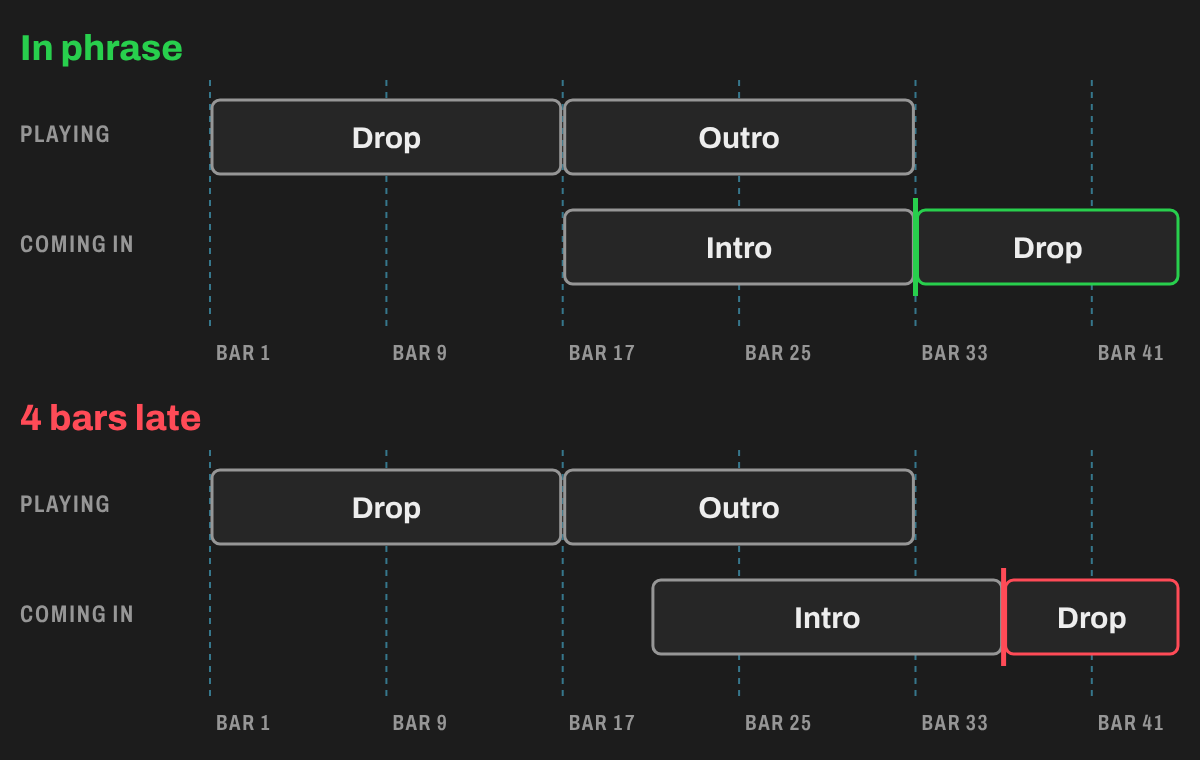
The same mix, started on the phrase line and four bars late. The dashed lines are phrase lines, every 8 bars. A drawing made for this page.
Start four bars late and everything slides: the new drop lands in the middle of a phrase, after the old track has already finished. The beats still match, which is why it’s hard to say what’s wrong. It’s the phrase.
When you’re out of phrase
- Jump a whole phrase. If your software has beat jump, jump the incoming track by 8 bars (32 beats) or 4 bars, and it lands back on a line.
- Wait for the next line. Keep the incoming track quiet and bring the fader up on its next phrase start instead.
- Check the grid. If the bar numbers in your software don’t sit on the real first beat, every count you do from them is off. A grid with its downbeat in the wrong place is the most common cause of “in time but wrong”.
Hip-hop and open format
Hip-hop phrases run shorter than house or techno. A standard rap hook is 8 bars and a verse 16, and many records have a short intro or none. That makes the usual mix points the start of a hook or a verse, and short blends, cuts or a quick echo out instead of 32 bars of overlap. The counting is the same: change on a phrase line, and the room hears one song turning into the next instead of two songs fighting.
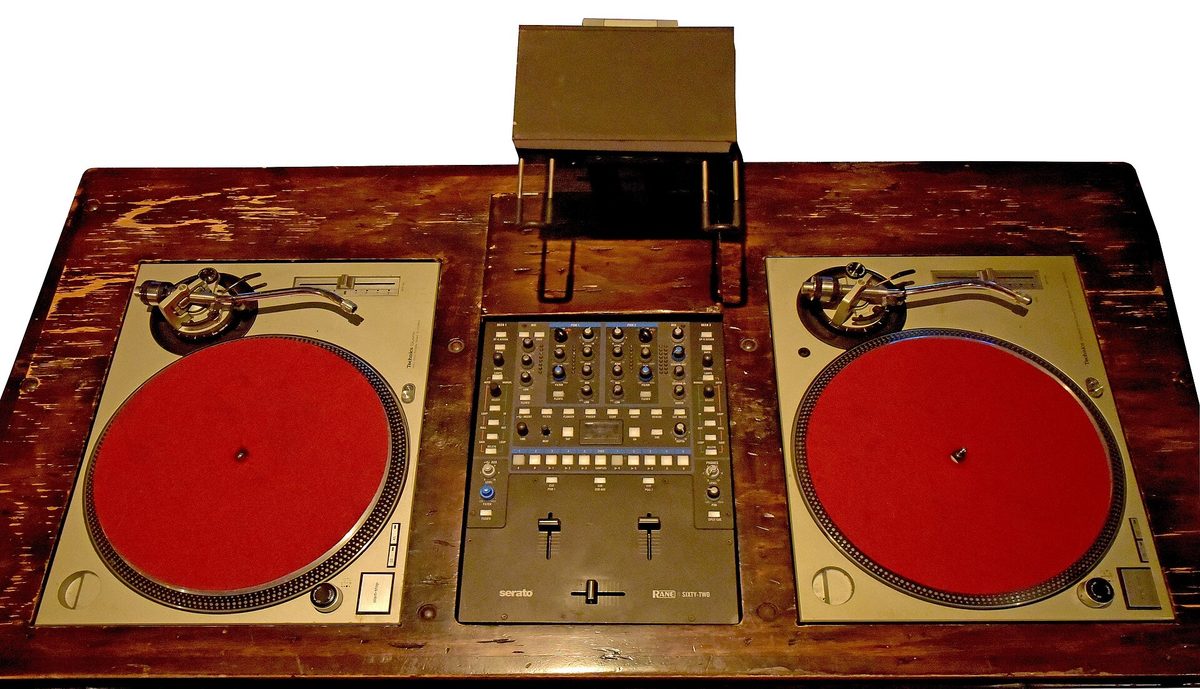
Two turntables and a Serato mixer. Shorter phrases, same count.
Photo: Glenn Francis, CC BY-SA 4.0, via Wikimedia Commons

If you prep with CrateEdit Pro
Auto Cues put up to eight hot cues on each track, each on the first beat of a bar where a phrase starts, and name them by what happens there, such as Intro, Drop, Break, Hook and Outro. Run it on a whole crate in Batch Grid or on one track in the Audio Editor, and check what it found before you save. The Audio Editor also numbers each bar on the grid, so you can count phrases by eye. Our auto hot cues guide has the steps.

In CrateEdit Pro. Auto Cues on one track: each flag sits on the first beat of a phrase, named by what happens there.
Sources
- How to DJ 101: why you must understand phrasing, DJ TechTools, November 16, 2014.
- What is phrasing in DJ mixing?, DJ.Studio, updated April 3, 2026.
- Phrasing and song structure, DJ Class.
- Rap song structure: complete guide with examples, eMastered, July 9, 2024.
- rekordbox lighting mode operation guide, rekordbox, page 8: the phrase names.