 CrateEdit Pro
Mastering for the club: why your track sounds quiet next to the others
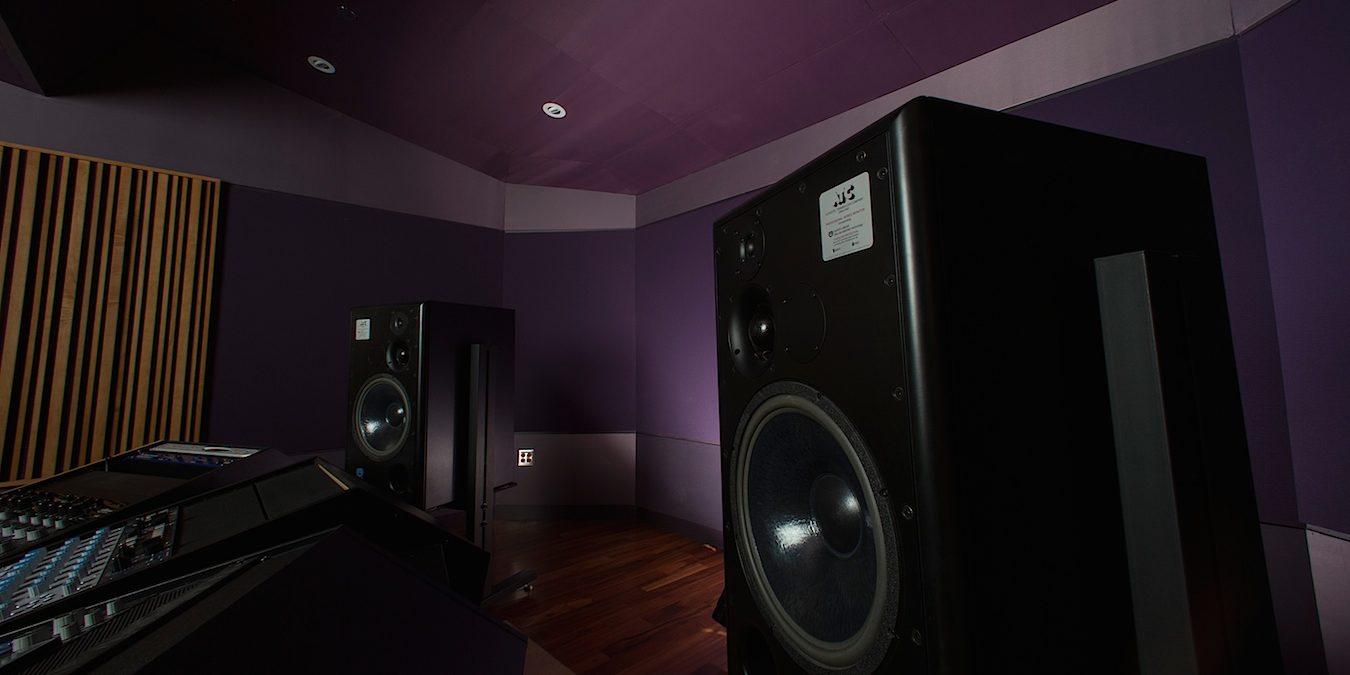
A mastering room. Where the loudness of a release gets decided.
Photo: Audio Mix House, CC BY 2.0, via Wikimedia Commons (cropped)

A track that sounds big in the studio can let the air out of a room when a DJ mixes it in after a commercial record. We measured 38 tracks from a working DJ’s crates to see what a club master is up against, and found one number almost every one of them breaks.
Two numbers: LUFS and true peak
Integrated loudness, in LUFS, is how loud a track feels across its whole length, measured the way broadcasters and streaming services measure it (the ITU’s BS.1770 method). Closer to zero is louder: −8 LUFS is louder than −14.
True peak, in dBTP, is the highest point the waveform reaches once it’s turned back into sound, including the peaks that land between the samples. Anything above 0 dBTP can clip: in a converter, in an MP3 encoder, in a DJ mixer with no headroom left.
What we measured
We took 38 tracks from a working open-format DJ’s practice crates: hip hop, R&B, reggaetón, house and dance, new releases and 20 DJ re-edits from a record pool, all as the MP3s a DJ actually plays out. Each one went through FFmpeg’s EBU R128 meter for its integrated loudness, its loudness range and its true peak.
How loud the 38 tracks are. Each bar counts the tracks within half an LU of its number, from −19 to −5 LUFS. The middle of the pack is about −9.3, in the light bar; streaming services play everything at −14. Measured with FFmpeg’s EBU R128 meter.
- The middle of the pack sits at about −9.3 LUFS. Half the tracks fall between −11.1 and −8.3.
- The loudest, a twerk remix, measures −5.7. The quietest, a 1960s soul ballad, measures −18.7.
- 37 of the 38 are louder than −14 LUFS, the level the big streaming services play at.
- The record pool’s re-edits came in about 2 LU quieter than the new releases: −10.6 against −8.4 in the middle.
The number almost every track breaks
37 of the 38 tracks have true peaks above 0 dBTP. The middle value is +1.1 dBTP, and five go past +2.
The true peaks of the same 38 tracks. Only one stays at −1 dBTP or below; 37 go over 0 dBTP.
Part of that is mastering: limiters push the level right up to full scale. Part is the format: an MP3 encoder reshapes the waveform, and the decoded file overshoots the peaks of the master. Either way the DJ gets a file that’s already over the line, and the clipping happens wherever the headroom runs out.
Spotify’s own advice for artists is to keep true peaks below −1 dBTP, and below −2 dBTP for masters louder than −14 LUFS, to avoid extra distortion. That’s good advice for a club master too, because most club tracks end up as MP3s somewhere along the way.
Streaming plays it level, a club doesn’t
Spotify plays every track at −14 LUFS by default: louder masters are turned down, and quieter ones turned up as far as their peaks leave room. Premium listeners can pick Loud at −11 or Quiet at −19. So for streaming, a −14 master and a −8 master end up the same loudness.
In a DJ booth nothing does that for you, unless the DJ uses auto gain or levels their whole library. A −14 master played after the middle of our pack is about 5 dB quieter. The DJ rides the gain up, and the track arrives with less energy than the one before it.
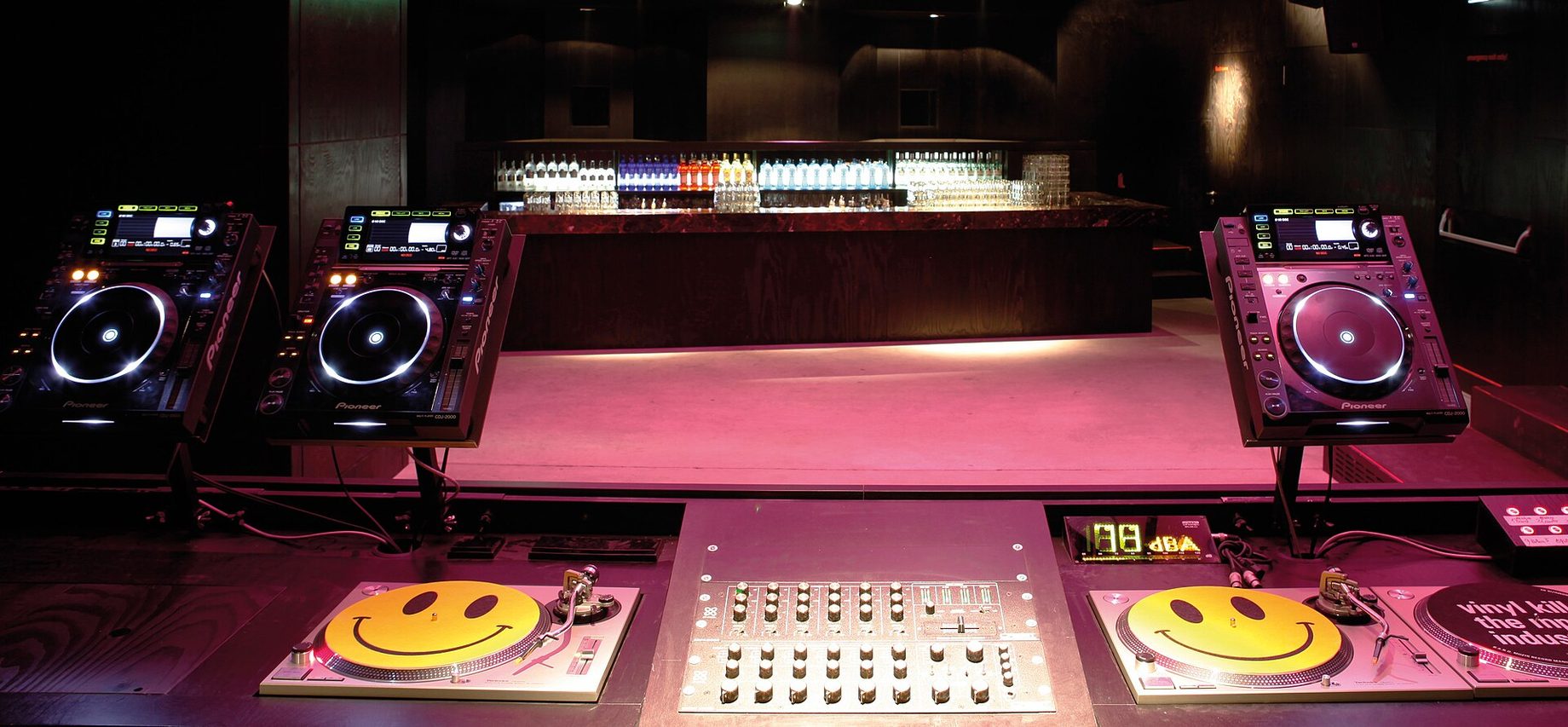
The other room your master plays in. No normalization here, unless the DJ brings it.
Photo: Arnold Jaeger Werner, CC BY 2.0, via Wikimedia Commons

What to aim for
- Make a club master. Keep a separate version for clubs and DJs. A −14 master is fine for streaming, where every track is brought to the same level, but it sounds small in a DJ set.
- Land in the pack. Around −8 to −10 LUFS integrated sits with the tracks we measured. Louder than that and you’re likely squashing the drums for no gain on a system that’s already loud.
- Leave the top alone. Keep true peaks at −1 dBTP or lower, so the MP3 your track becomes doesn’t clip.
- Check the drop, not the intro. Integrated loudness counts the quiet parts. A long, quiet intro reads quieter than the drop really plays.
How DJs level it out
DJs fix uneven loudness three ways: by ear on the gain knob, with their software’s auto gain, or by levelling the files themselves to one target before the gig. The last one holds on any player, laptop or not.

Riding the gain. The quickest fix in the booth, and the one that has to be done again every time.
Photo: Aurélien (Designatic), CC0, via Wikimedia Commons

CrateEdit Pro does that last one: it measures each track’s loudness and true peak, matched on the drop or on the whole track, and brings a whole crate to one target. Turning an MP3 down is lossless, and Serato’s cues, loops and beatgrid stay right.

In CrateEdit Pro. Loudness Normalize after a run to −10 LUFS on the drop: each track’s loudness, true peak and clipped samples, and what was done to it.
Sources
- Our measurements: 38 tracks, FFmpeg’s ebur128 filter (integrated loudness, loudness range, true peak), November 2026.
- Loudness normalization on Spotify, Spotify for Artists.
- ebur128, FFmpeg filters documentation.